
Cortex Team Task Management
Do away with scribbled paper task lists
Get your team on the same page with tasks instantly synced to all team members in real-time.
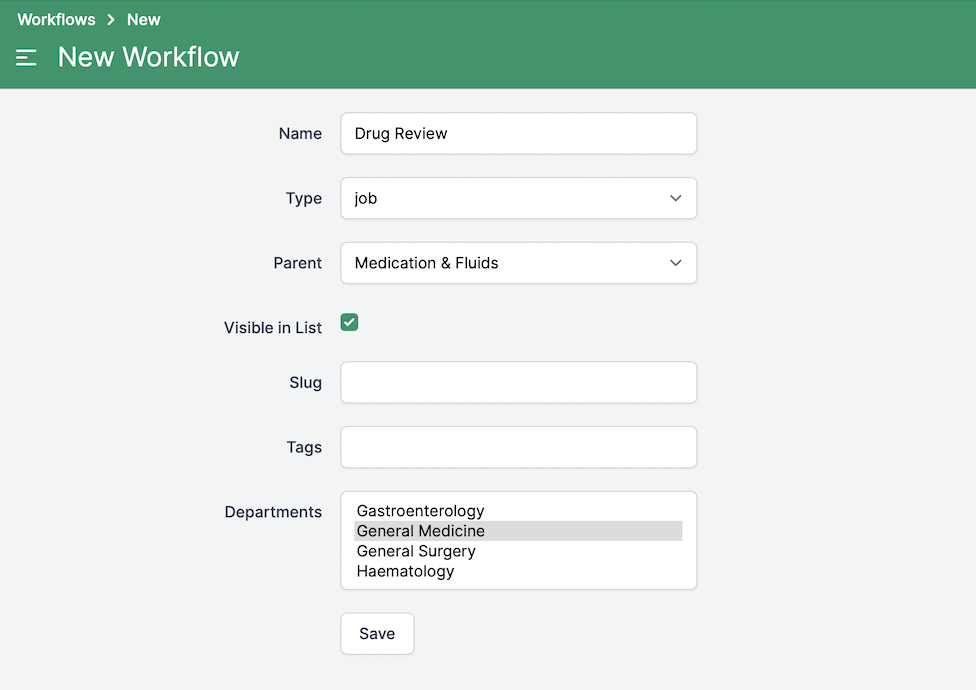
Define your common jobs
Cortex is fully configurable for your organisation, start by defining common jobs your teams perform.
-
- Categorise jobs for easy discovery by users.
-
- Specify which departments your jobs are relevant to, so users only create jobs relevant to them.
Group jobs into categories
Specify department relevant to job
Create jobs
Create your jobs against a patient. The job will be visible to all team members in the Cortex patient timeline, providing full patient context for the job.
-
- You can optionally add a comment to the job, providing more context for the person performing the job.
-
- You can optionally delegate the job to another user at the time of creation. You are still responsible for the job until the delegatee accepts the job.
Attach comment
Delegate
Manage jobs
Cortex provides full visibility of all jobs to all team members for each team you follow.
-
- Delegate jobs you create to other users, a group of users, or a shift role. Your delegee will be notified and can accept ownership of the job, or decline, meaning responsibility of the job remains with you.
-
- All team members have visibility of all patient jobs outstanding in their team, meaning others can easily pickup jobs from other users who currently have heavy workloads.
-
- Team members can add comments against a job to gain clarification or input from other users. Mentioning another team member will notify them, and direct them right to the discussion around the job.
Delegate your jobs
Pickup jobs
Discuss