Cortex Clinical Documentation
Eradicate paper, and transform your workflows!
Empower your team to design their own rich documentation and workflows.
Design your forms
Cortex Designer is our companion iOS application for designing forms in Cortex.
-
- Build forms using a drag & drop, what you see is what you get interface.
-
- Cortex Designer allows for a wide variety of input types including:
- Text fields
- Popup menus
- Checkboxes
- Radio groups
- Date and Time
- Signature capture
- Paper document scanner
-
- Cortex Designer allows for fast iteration of forms, and supports versioning and an approval and publishing governance workflow.
WYSIWYG Drag and Drop
Wide variety of input types
Versioning and Governance
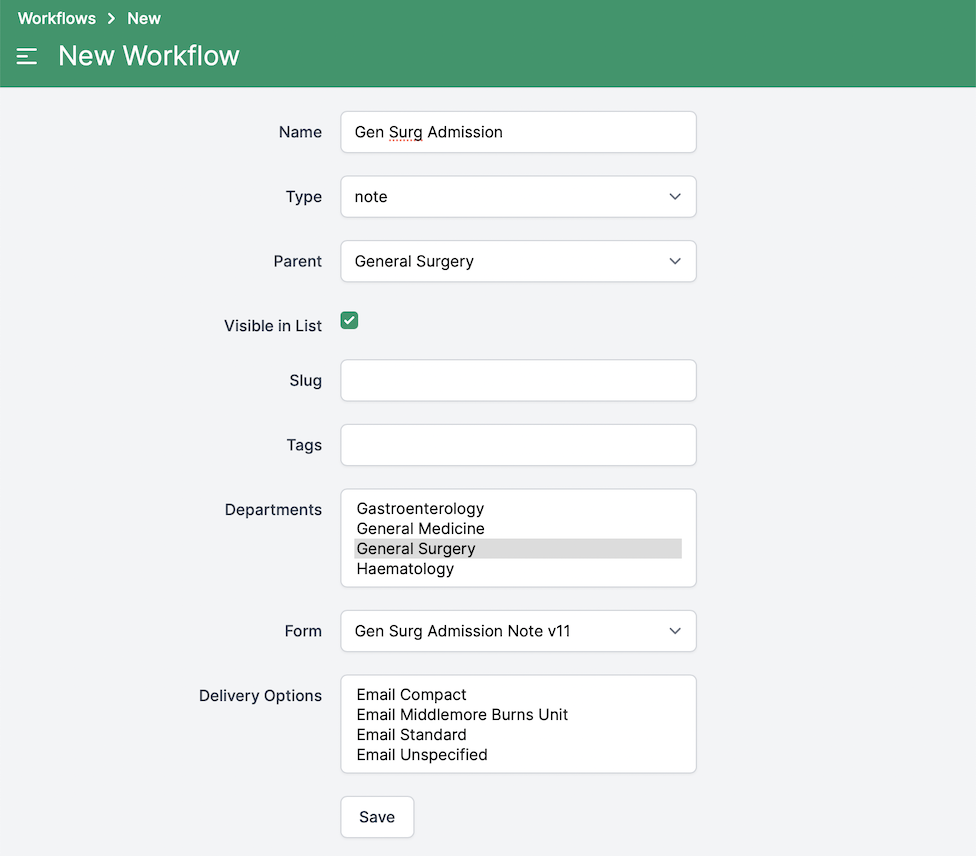
Define your workflows
Once your form has been designed, it needs to be associated with a workflow. Cortex has four workflows types a form can be associated with:
-
- These are pinned to the top of the Cortex timeline as a living document, continually updated, and snapshotted through the patient's admission.
-
- These are also pinned to the top of the Cortex timeline.
-
- Regular clinical notes which appear chronologically in the Cortex timeline.
-
- Requests for services such as labs, radiology, or internal referrals.
Clinical Summaries
Care Plans
Notes
Orders
Create Documents
-
- Don't have time to complete all the required parts of a document? You can save a draft, which clearly identifies the document as a work in progress to other clinicians.
-
- Once you've completed a document, it can be signed, and inserted into the Cortex timeline.
-
- Made an error? You can addend signed documents, any changes from the original are clearly indicated for other clinicians to review.
Draft
Sign
Addend
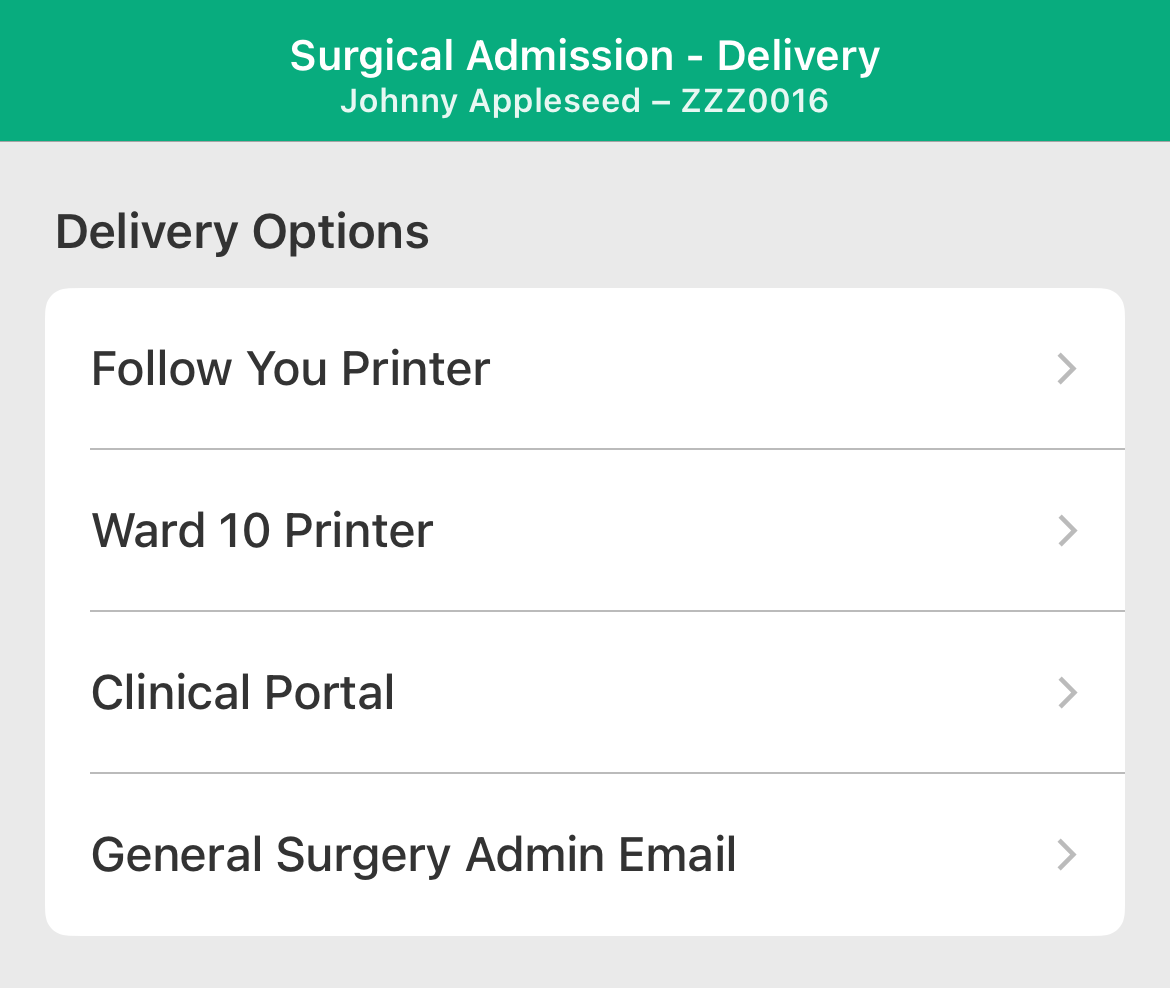
Deliver
Send your document where it needs to go.
-
- Securely print to any IPP base print queue.
-
- Email your document as an attached PDF.
-
- Cortex supports delivery of documents to external systems. This could be a Clinical Document Repository, another EHR, or similar system.
External Systems